+65 8732 9112
info@netbees.com.sg

Struggling with Task Management and Team Collaboration?

  • Are you struggling to manage your current tasks and plan for future ones?

  • Is tracking job details and engineer collaboration becoming a challenge?

  • Do you want to create dynamic job cards and service reports in PDF format while efficiently allocating tasks?

  • Are you finding it difficult to manage job tracking, engineer work, attendance, and daily activities?

  • If printing and photocopying costs are piling up, we can help streamline your workflow and improve productivity.

+65 8732 9112
info@netbees.com.sg

We Have Solutions for your all Questions

NetBees Job (field se​rvice) Management System

Automate the Field Service Management with NetBees Software

At NetBees, we understand the complexities of managing field services and the importance of efficiency, real-time communication, and seamless operations.

Trusted Service Management
Our system guarantees accuracy and reliability, helping you manage field operations with confidence and efficiency.
Cost-Effective Solutions
Our FSMS offers a comprehensive suite of features at a competitive price, ensuring you get the best value for your investment.
24/7 Supports
Whether you need technical assistance or have operational queries, our team is here to help anytime, anywhere.

App Features

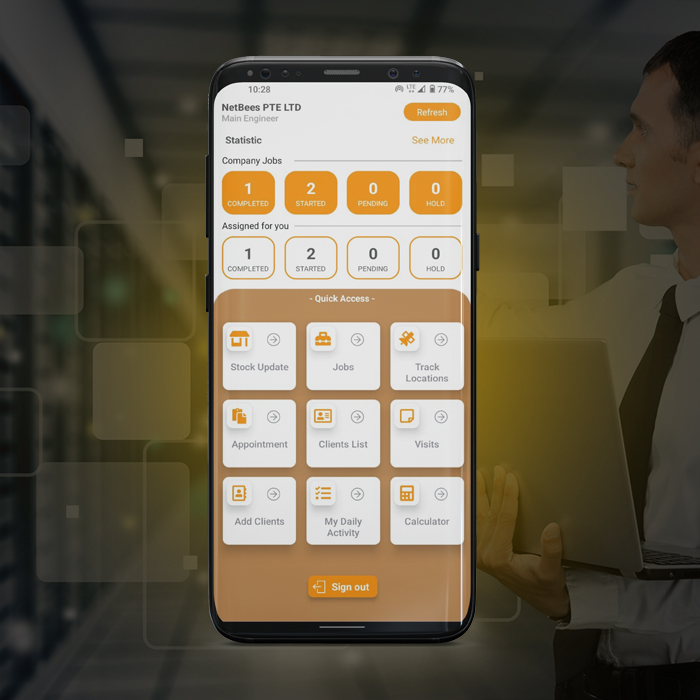
Real-time tracking with a location guide

  • Engineer's Location Tracking for Real-time Monitoring of Work Hours and Activities
  • Every activity is locked via geolocation and the engineer’s location is automatically tracked every half hour.
  • Engineer's Location Tracking for Real-time Monitoring of Work Hours and Activities
  • Track the real-time locations of your field engineers to enhance accountability and optimize their daily activities

Comprehensive Job Dashboard

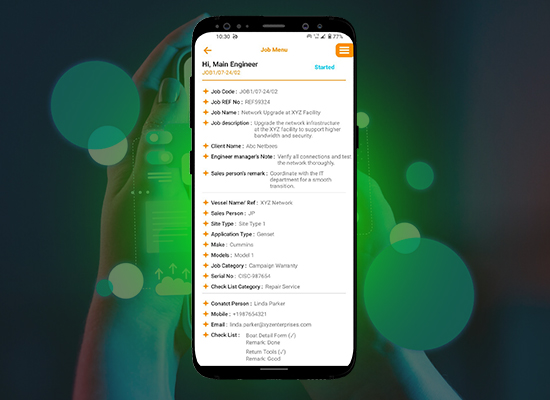
  • Can easily retrieve comprehensive details about each job, including its status.
  • Maps and navigation features to help engineers reach their destinations efficiently.
  • Enhance collaboration with team members and the company by having instant access to job details and attachments.
  • Engineers are promptly alerted through the app notification whenever a new job is assigned to them.

Time Tracking for Each Task

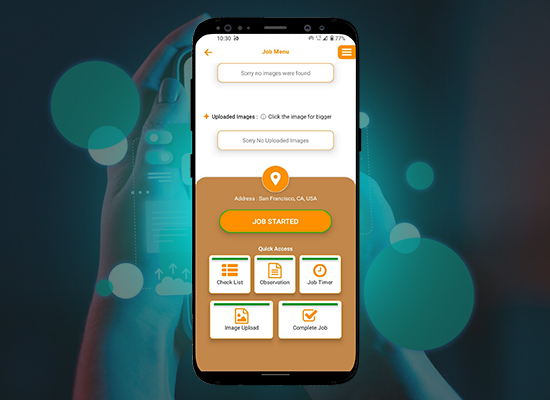
  • Accurate tracking of time spent on each task within the job.
  • Itemized listing of tasks in the timer management section.
  • Collaboration among multiple engineers working on the same task.
  • Can generate Service Reports with all the details of items.
  • Can also handle item replacement a​​nd inventory management.

Task Checklist

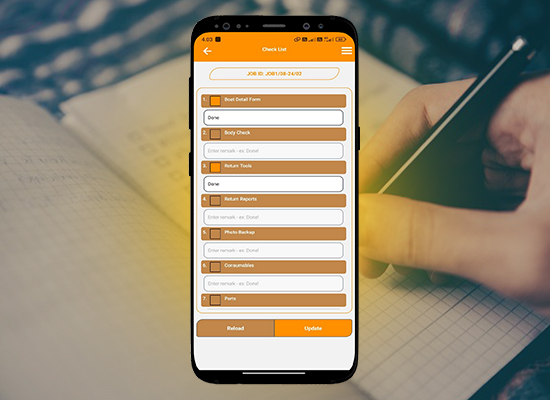
  • Ability to create detailed checklists for each job categories
  • Real-time tracking of task progress through the checklist
  • Multiple engineers can work on a single checklist

Image Attachment to Job Tasks

  • Enhance transparency and build trust with clients through instant visual updates.
  • Resolve client concerns more efficiently with clear photographic evidence.
  • Document compliance with safety regulations and standards through images.
  • Minimize misunderstandings and disputes with clients by having visual proof of work.
  • Ensure all safety protocols are followed and recorded visually.
  • Perfect Images will communicate clearly among field engineers & lead engineers to take the right actions on time.

Job Completion

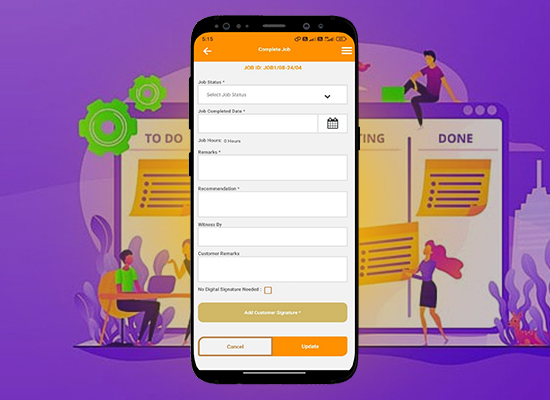
  • Engineers can effortlessly update the status of each job in real time within the app.
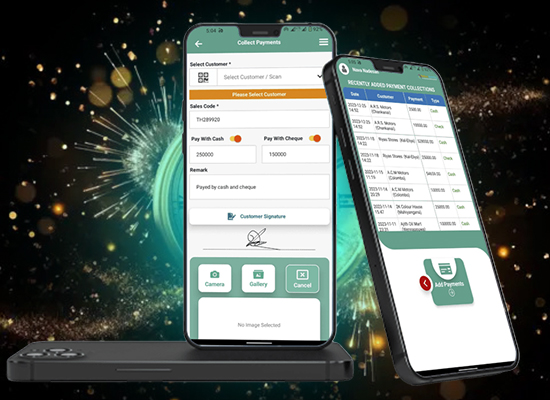
  • Want to capture client signatures directly within the app to validate job completion.
  • Once a job is completed, engineers cannot make any changes without the permission of administrators.
  • Easily generate detailed job reports upon completion job.

Watch Full Video to Get a Better Idea About Our System

ClientsAssignment Workflow

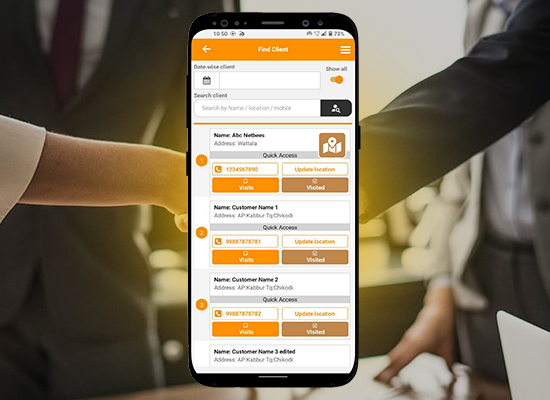
  • Clients may be assigned to specific engineers based on capability and workload.
  • Seamlessly assign customers to engineers on a day-to-day basis.
  • Mark clients as visited once the job begins, providing instant updates to team members and administrators regarding job status and progress.

Maintenance Visit / Tracking Notes

  • If the clients are not available during the visit, engineers can capture and upload images as proof of their attempted visit, enhancing accountability and transparency.
  • Integration of image upload functionality for capturing visual information during client visits.
  • The company can get an engineer's Daily activity list